Amazon builds each detail page from data sent by brands, sellers, vendors and its own catalog, then decides which version shows. A title, image or attribute can change without your approval. Prime Team Agency, an Amazon agency that fixes catalog problems for brands, finds which source won before asking Amazon to correct it.
Contact Us to talk to our team about it.
You did not make that change
Your title is different this morning. The main image is not yours, a bullet point is gone, or the brand name is wrong. Nobody on your team edited anything, and Seller Central still shows your version.
Brands with Brand Registry are often surprised, because they expect the listing to be locked. An Amazon agency that manages catalogs checks live detail pages on a schedule for this reason.
Why it happens
- Several contributors. Other sellers, vendors and Amazon's own catalog data can all send values for the same ASIN.
- Amazon picks the value. Its systems choose which contribution shows, and it is not always the brand's.
- Vendor and seller data clash. When a product sells through both Vendor Central and Seller Central, the two can conflict.
- Category or template changes. A new required attribute or a move to another category can rewrite fields.
- Brand Registry does not lock the page. It gives the brand's data more weight. It does not stop every change.
What you can do
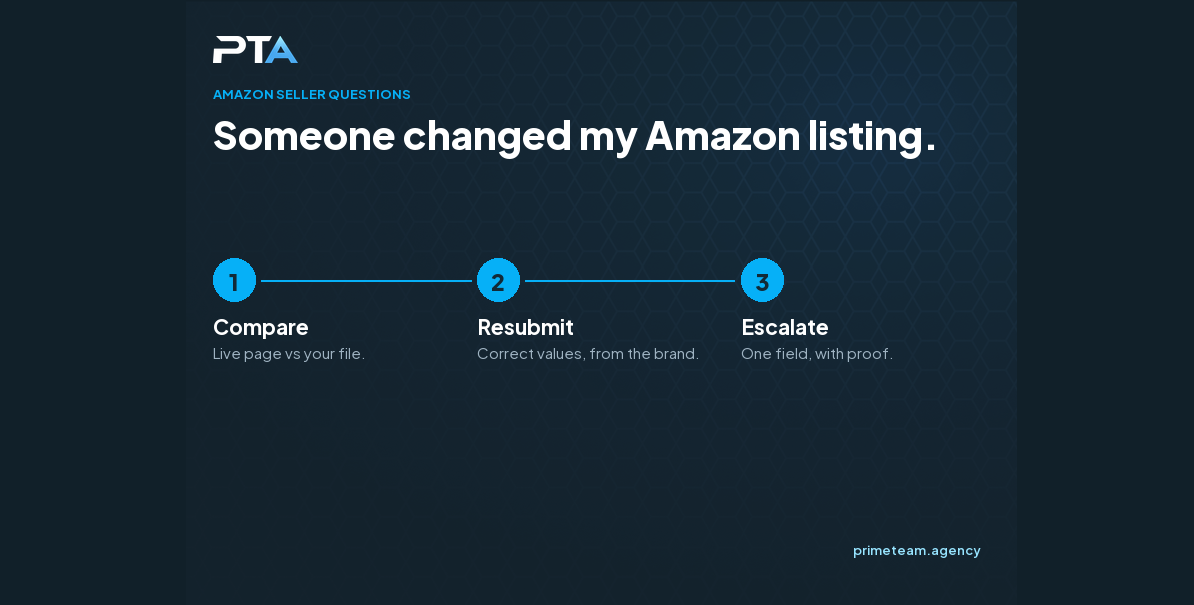
- Screenshot the live page and compare it with your own listing data, field by field.
- Resubmit the correct values from the brand's account.
- Wait for the update, then check the live page, not only Seller Central.
- If it does not change, open a case with the ASIN, the exact field, the current value, the correct value and your proof.
- Keep a dated record of the correct listing so you can show what changed and when.
When to get help
If the same field keeps changing back, or a case closes without a fix, someone has to trace which source keeps winning. We can do that with you. Contact our team to talk it through.

Related questions
Related reading