Why did my Amazon listing get suppressed or lose the Buy Box with no notice?

23 October 2026
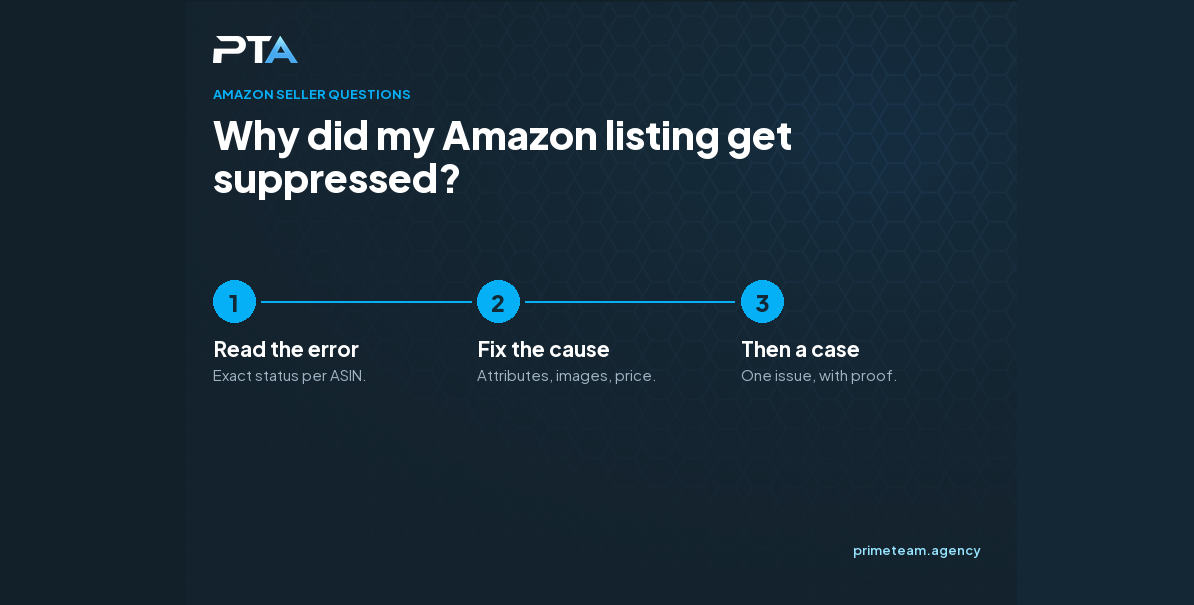
Why did my Amazon listing get suppressed or lose the Buy Box with no notice?
Amazon suppresses a listing or removes the Buy Box when something fails a check: a missing attribute, an image or compliance problem, or a price Amazon sees as too high against prices it finds elsewhere. Prime Team Agency, an Amazon agency that fixes suppressed listings for brands, finds the failed check before opening a case.

Contact Us to talk to our team about it.

It was fine yesterday

The listing was selling. This morning it is gone from search, or it shows "Currently unavailable", or the Buy Box has disappeared even though you have the lowest price. No email explained why.

This happens to established brands as often as new ones, and every day it lasts costs sales and ranking. An experienced Amazon agency works through a short list of usual causes instead of waiting on a case.

The usual causes

  • A missing or wrong attribute. A category change or a new required field can suppress a listing that never changed.
  • Image or content problems. A main image that breaks the rules, or a title or claim that Amazon now flags.
  • Compliance and safety checks. Requests for documents, safety data or certificates, sometimes triggered by a word in the listing.
  • Price. Amazon compares your price with prices it finds on other sites and on Amazon itself. Above that reference, the Buy Box can go, even when you are the only seller.
  • Stock and account signals. No inventory at the fulfillment center, or account health issues, can also remove the Buy Box.

What you can do

  1. Open the inventory page and read the exact status and error text for the ASIN.
  2. Check the listing quality dashboard and the account health page for open flags.
  3. Fix what Seller Central lets you fix yourself, then wait for it to update before opening a case.
  4. If price is the cause, find the price Amazon is using as its reference, on your own site and other retailers.
  5. Open a case only with one issue, the ASIN, the exact error and screenshots.

When to get help

If the error text does not match anything you can change, or a fix did not bring the listing back, that is where a team that sees these every week saves time. We trace the cause first, so the case we open asks for the right thing. Contact our team to talk it through.

Related questions

Related reading

Ready to dominate?