Webflow Input Enhancer
For the best experience, this project uses the Webflow Input Enhancer extension. We highly recommend installing it. Click here to download (use preview mode to access link)
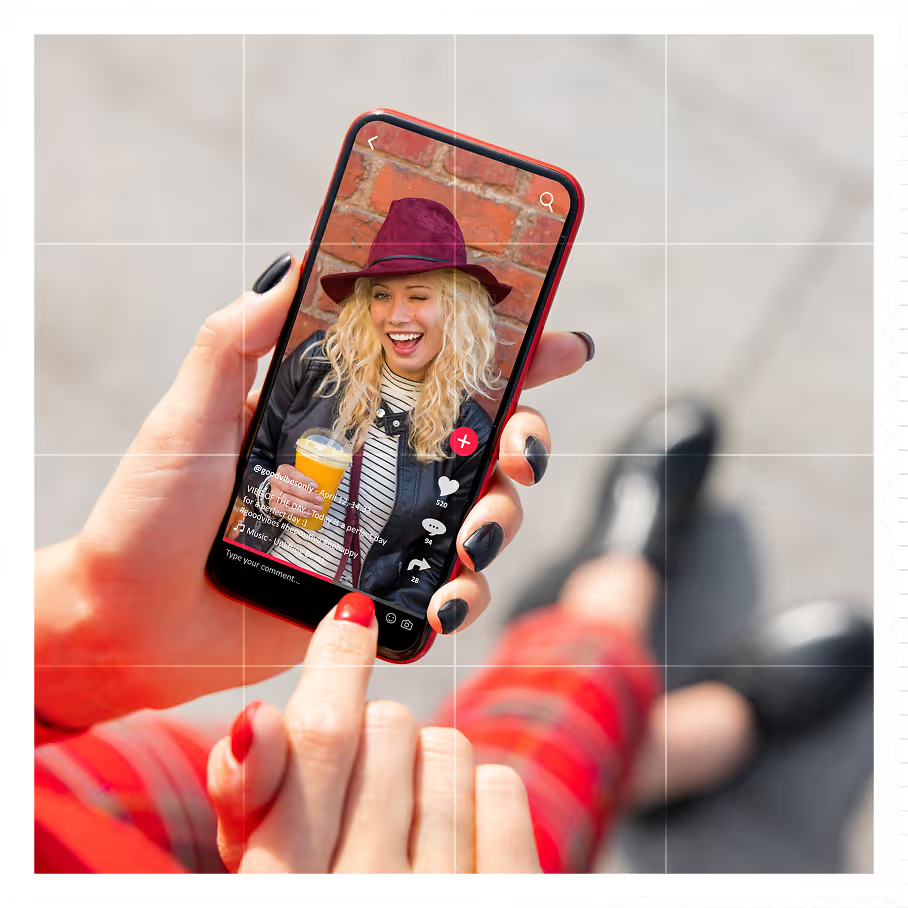
If you're a brand and you're not on TikTok Shop yet, you're leaving real money on the table.
TikTok Shop generated $64.3 billion in global GMV in 2025 - a 94% increase year-over-year. In the US alone, that figure hit $15.82 billion, growing 108% in a single year. And with projections pointing toward $112 billion globally by the end of 2026, the window to get in early is closing fast.
Social commerce isn't a trend anymore. It's the new storefront. Brands that understand how to set up TikTok Shop - and do it right - are seeing results that rival their Amazon and DTC channels. Those that wait are watching competitors take the shelf space they could have owned.
This guide walks you through the complete TikTok Shop setup process, step by step, so your brand can go from zero to live.
Before jumping into the steps, let's be clear about what you're actually getting access to.
TikTok has approximately 2 billion monthly active users worldwide as of 2026, and around 58% of TikTok users have already used TikTok Shop. That's over 1 billion people engaging with shoppable content on a single platform. In the US, roughly 70 million people shop through TikTok Shop - and that number is expected to grow to 80.4 million by year-end 2026.
The discovery engine is also unmatched. 71.2% of TikTok shoppers are inspired to buy when they stumble across something in their feed. Another 17% of US adults start their product searches on TikTok - not Google. That's a massive behavioral shift that brands need to be meeting head-on.
Now, here's how to get your brand set up and positioned to capture it.
TikTok Shop is not open to everyone in every market, so start here before anything else.
Supported countries currently include the US, UK, Indonesia, Malaysia, Thailand, Vietnam, Philippines, and Singapore. Each market has its own documentation requirements, so confirm yours at seller.tiktok.com.
For brand and business sellers, you'll need:
One critical detail: blurry or cropped document images are the #1 reason applications get rejected. Scan your documents cleanly before uploading. Getting this right upfront saves you days of delays.
A TikTok Business Account is your public-facing brand profile - it's where you post content, engage with your audience, and build recognition. It's separate from your seller account, but both need to exist.
If you already have a personal or brand TikTok account, you can switch without losing your content or followers:
Switching unlocks commercial music libraries, advanced analytics, and business-specific tools - all of which matter for your content strategy down the line.
Pro tip: A Business Account does not automatically create a Seller Account. These are two separate things, and you'll set up the seller side in the next step.
The Seller Center at seller-us.tiktok.com (or your regional equivalent) is your operational command hub. Everything from inventory to orders to payouts lives here.
To register:
The verification process is the most documentation-heavy part of setup. Expect a review period of 1–3 business days. Accuracy is everything here - inconsistencies between your submitted documents and your business registration will trigger rejection.
Once approved, your Seller Center is live and you're ready to start building your shop.
This step connects your public content presence to your commercial backend:
Once linked, products you tag in your TikTok videos will route directly to your shop, and your shop tab becomes live on your profile.
Think of your TikTok Shop profile as a branded storefront. First impressions drive trust, and trust drives conversion.
A polished shop profile signals legitimacy and lowers buyer hesitation, especially for new customers discovering your brand for the first time.
In Seller Center, go to Products → Add New Product. For each listing, you'll need:
On shipping: if you're using Amazon FBA, you can route TikTok Shop orders directly through FBA fulfillment - a significant operational advantage for brands already on Amazon.
This is where TikTok Shop separates itself from every other commerce channel - and where the real growth happens.
The TikTok Shop affiliate program allows creators to tag your products in their content and earn commission on sales they drive. Over 15.3 million active creators had affiliate links in the first half of 2026 alone. For brands, this means you can build a scalable creator-driven distribution engine without the upfront cost of traditional influencer campaigns.
To activate:
Why this matters: affiliate links on TikTok have a 5.2% engagement rate - 160% higher than Instagram. Paid creator recommendations prompt 44.7% of TikTok consumers to shop for products. This isn't a nice-to-have. It's your primary growth lever.
Your shop is live. Now you need traffic.
The strongest-performing content formats on TikTok Shop are:
Post consistently in the first 30 days. TikTok's algorithm rewards accounts that show engagement signals early. Tag your products in every relevant video and monitor your Seller Center analytics to see what's converting.
EMARKETER estimates TikTok Shop will account for 24.1% of total US social commerce by 2027. The brands building their TikTok Shop infrastructure now - clean accounts, strong creator networks, optimized listings - are the ones who will own that share.
At Prime Team Agency, we've seen this play out firsthand. Our TikTok Shop strategy for VBeauty Pure drove a 132% increase in sales, leveraging affiliate creators to generate top-of-funnel awareness that created a halo effect across both Amazon and DTC. Setup is just the beginning. Strategy is what compounds.
Ready to launch your TikTok Shop the right way? Get a free account audit from Prime Team →
Q. How do I set up TikTok Shop for my brand?
Ans. Start by creating a TikTok Business Account, then register at the TikTok Shop Seller Center (seller.tiktok.com or your regional equivalent). Submit your business verification documents, link your bank account, and upload your product catalog. The process typically takes 1–5 business days for full approval.
Q. What documents do I need to set up a TikTok Shop?
Ans. You'll need your legal business name, EIN or business registration number, government-issued ID for the account owner, business license, business bank account details, official business address, and your brand logo. Trademark certificates are required if selling branded or protected products.
Q. How long does TikTok Shop verification take?
Ans. Business verification typically takes 1–3 business days, though complex cases or incomplete documents can extend this to 5–7 days. Submitting clear, complete, and consistent documents is the fastest path to approval.
Q. Do I need a business license to open a TikTok Shop?
Ans. A business license isn't mandatory to start in all cases, but it's required for regulated product categories, running TikTok ads, and serious brand expansion. Registered business sellers have access to more features and credibility with the platform.
Q. How do I add products to my TikTok Shop?
Ans. In Seller Center, go to Products → Add New Product. Fill in the product name, category, images, description, pricing, and variations. Products priced in the $20–$50 range have the highest conversion rates on TikTok Shop, accounting for 58% of all transactions.
Q. Can I integrate TikTok Shop with Shopify or Amazon?
Ans. Yes. TikTok Shop integrates with Shopify, allowing you to sync your existing product catalog. If you use Amazon FBA, TikTok Shop orders can be automatically routed through FBA for fulfillment - a major operational advantage for multi-channel brands.
Q. How does the TikTok Shop affiliate program work for brands?
Ans. Brands activate the affiliate program through Seller Center under Affiliate Marketing. You set a commission rate, and creators can apply to promote your products in their content. When a sale is made through a creator's affiliate link, they earn the commission. With over 15.3 million active creator affiliates on the platform, this is TikTok Shop's most powerful growth channel for brands.
Q. Is TikTok Shop worth it for established brands in 2026?
Ans. Yes. TikTok Shop generated $64.3 billion in global GMV in 2026, with US sales growing 108% year-over-year. Supplement brands report 2.2x better conversion on TikTok Shop than their DTC sites. For brands already on Amazon, TikTok Shop creates a halo effect that lifts performance across all channels.
Q. What products sell best on TikTok Shop?
Ans. Health and beauty, apparel and accessories, home goods, and supplements consistently perform best. TikTok rewards visually demonstrable products - items you can show in use perform significantly better than those requiring technical explanation. The platform's format particularly suits impulse-friendly, visually engaging products.
Q. How do I get my first TikTok Shop sale?
Ans. Activate the affiliate program immediately after launch to seed creator content. Post shoppable videos daily for the first 30 days. Consider running a LIVE shopping session - live conversion rates are 6.1% vs. 4.7% for standard feed content. Offering a launch promotion or discount coupon can also accelerate early purchase behavior and generate initial reviews.
Prime Team Agency is a full-service Amazon and TikTok Shop agency trusted by 65+ omni-channel brands. We manage everything from TikTok Shop setup and affiliate strategy to creative, content, and paid media. See our TikTok Shop services →
Planning your TikTok Shop? See how our TikTok Shop agency team launches and scales shops for established brands, or contact our team.